
Industrial Printer ZT510 P1095460-001 Rev. B User Guide

Industrial Printer ZT510 P1095460-001 Rev. B User Guide
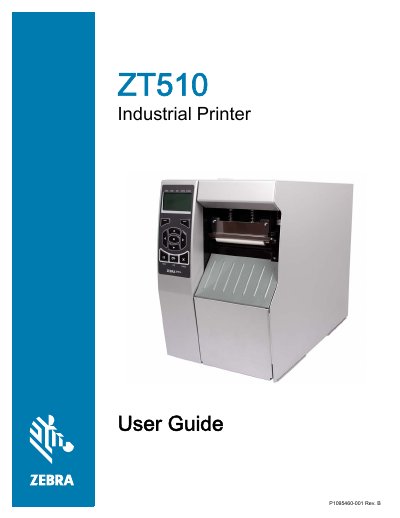

Industrial Printer ZT510 P1095460-001 Rev. B User Guide - cover page
Brand
Zebra
Category
Printer
Document type
User Manual
Language
English
Pages
282
File format
PDF
File size
16.5 MB
Published
17 November, 2023
Updated
17 November, 2023
Model
ZT510
MD5 checksum
E6CE2F03EAB85E6567E8B52F2C37DB72

About this manual

This manual provides instructions for the Zebra ZT510 industrial printer, a high-performance device designed for demanding applications. It covers the entire lifecycle of the printer, from unpacking and initial setup to routine maintenance and troubleshooting. Key topics include loading media and ribbon, configuring communication interfaces (USB, Serial, Parallel, Ethernet, Wireless), and adjusting print settings for optimal quality.

What's inside

  • Printer Components
  • Printer Setup and Operation
  • Printer Configuration and Adjustment
  • Routine Maintenance
  • Diagnostics and Troubleshooting
  • USB Host and NFC Capabilities
  • Specifications

Specifications

Document Part NumberP1095460-001 Rev. B
Document Date6/28/17

Frequently asked questions

What is the minimum distance required between the printer and the user's body for safety?

The equipment should be installed and operated with a minimum distance of 20cm between the radiator and your body.

What should be done if a printed barcode does not scan?

Perform the Optimal Darkness and Speed Test to adjust the darkness or print speed settings as necessary.

Download PDF (16.5 MB)

More Zebra Manuals


View all Zebra manuals →