
This product is a portable Wi-Fi router that can provide high-speed Internet access anytime, anywhere. It supports multiple connection methods, including wired and wireless. It also has multiple security features to protect your data.
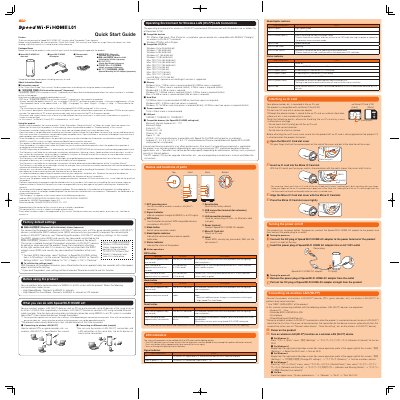
This quick start guide explains the basic operations and settings for using the Huawei Speed Wi-Fi HOME L01, including packaged items, product controls, communication modes, and the operating environment for wireless LAN and LAN connections.
It also notes where to find the full instruction manual and lists compatible devices, operating systems, browsers, memory, and storage requirements.
| Maximum simultaneous Wi-Fi connections | 40 (up to 20 for 2.4 GHz/5 GHz respectively) |
|---|---|
| LAN port | 10BASE-T, 100BASE-TX, 1000BASE-T |
| Recommended screen resolution | 1024 x 768 or more |
| NFC | Used to establish a wireless LAN (Wi-Fi) connection |
| Signal indicator | Indicates WiMAX 2+ or LTE reception strength |
| Status indicator | Indicates product status |
Up to 40 devices can connect at the same time, with up to 20 on each of the 2.4 GHz and 5 GHz bands.
With the product turned on, press the Reset button for over approximately two seconds with a fine-tipped object.
The full instruction manual is available on the au homepage.