
Huawei Time Synchronization Device Installation Guide

Step‑by‑step instructions for configuring NTP time synchronization on Windows, Linux, AIX, CentOS and Huawei routers.

Huawei Time Synchronization Device Installation Guide - cover page
Brand
Huawei
Category
Other
Document type
Installation Guide
Language
Chinese
Pages
31
File format
PDF
File size
477 KB
Published
03 October, 2026
Updated
03 October, 2026
MD5 checksum
64CDC92087FEB97639372D9BAF95048D

About this manual

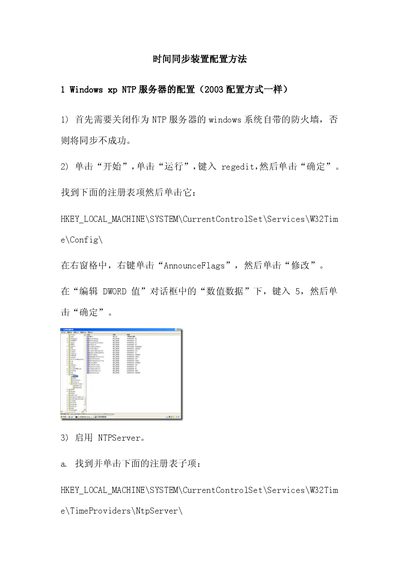
This guide explains how to set up NTP time synchronization on various operating systems and on Huawei Quidway routers. It covers disabling firewalls, editing registry entries for Windows, using ntpdate and cron on Linux, configuring /etc/ntp.conf on AIX and CentOS, and router‑specific NTP commands.

Additional sections provide NTP debugging commands, log configuration, and welcome message customization for Huawei devices, plus a short FAQ addressing common time‑difference errors. This manual is written in Chinese.

What's inside

  • Windows NTP Server Configuration
  • Windows NTP Client Configuration
  • Linux NTP Configuration
  • AIX NTP Configuration
  • CentOS NTP Configuration
  • Huawei Router NTP Configuration
  • NTP Debug Commands
  • Log Configuration
  • Welcome Message Configuration
  • FAQ

Frequently asked questions

What error occurs if the BIOS time differs from the system time by more than 30 minutes?

The kernel logs an error like “set_rtc_mmss: can't update from …” and you must correct the BIOS or system time.

What happens to the ntpd service when the time difference exceeds 30 minutes?

The ntpd service reports an error and will not run until the time discrepancy is fixed.

Download PDF (477 KB)

More Huawei Manuals


View all Huawei manuals →