
The Cerbo GX is a multifunctional device that can be connected to various Victron products, including Multis/Quattros/Inverters (VE.Bus products), SmartShunt battery monitors, BMV-700 series; and MPPTs with a VE.Direct port, VE.Can devices, VE.Can and BMS-Can interfaces, RS Inverter and Multi RS, BMV-600 series, DC connection box, VE.Can tank level resistive transmitter adapter.
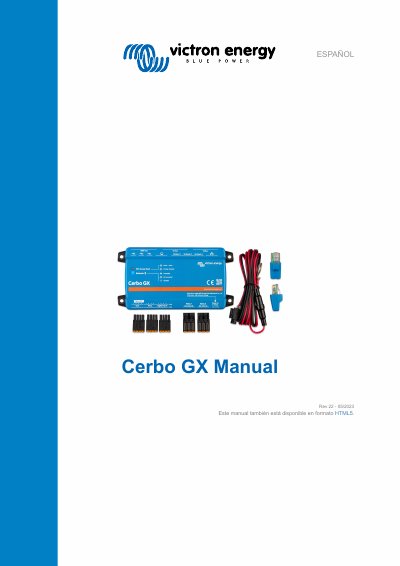
This Spanish user manual is for the Victron Cerbo GX, a device at the heart of an energy installation. It connects inverters/chargers, solar chargers, and batteries so they work together, and is part of the Victron GX product family running Venus OS.
The manual covers installation and connections, internet access, remote console access, configuration, firmware updates, VE.Bus monitoring, DVCC, the VRM portal, multifunction display integration, RV-C, Wakespeed WS500, Mopeka Pro sensors, digital inputs, generator start/stop, factory reset, error codes, and frequently asked questions. This manual is written in Spanish.
Es el corazón de la instalación de energía y conecta los componentes del sistema para que trabajen en armonía.
Se llama GX Touch.
Incluye el dispositivo, un cable de alimentación con portafusible, dos terminadores VE.Can y bloques terminales.