
The EasyCoder PD42 Printer User's Guide describes the features and specifications of the EasyCoder PD42 printer.
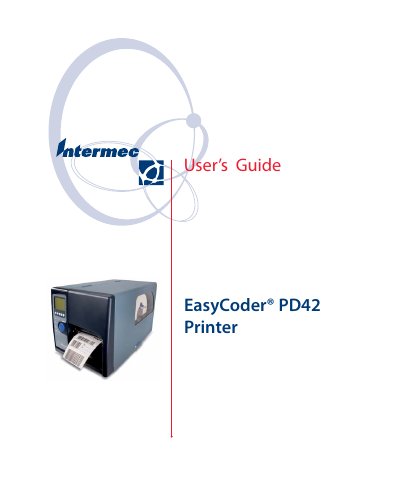
The Intermec EasyCoder PD42 is a versatile thermal printer supporting both direct thermal and thermal transfer printing techniques. It features resolutions of 203 dpi or 300 dpi and offers flexible media handling options, including tear-off and peel-off modes with optional cutter or internal rewinder kits.
This manual provides comprehensive instructions for users responsible for installing, configuring, and maintaining the device. It details physical connections via USB, serial, parallel, and Ethernet interfaces, along with procedures for loading media, adjusting the printhead, and performing routine maintenance tasks like cleaning.
| Print technique | Direct Thermal/Thermal Transfer |
|---|---|
| Printhead resolutions | 8 dots/mm (203.2 dpi) or 11.8 dots/mm (300 dpi) |
| Print speed | 50.8 to 152.4 mm/sec (2 to 6 in/sec) |
| Max Print Width | 105.7 mm (4.2 in) |
| Power consumption (Normal operation) | 80 W |
| Weight | 13 kg (28.7 pounds) |
The printer supports both Direct Thermal and Thermal Transfer printing techniques.
The printhead resolutions are 8 dots/mm (203.2 dpi) or 11.8 dots/mm (300 dpi).