
AOC 24G2/24G2U/27G2/27G2U Monitor User Manual
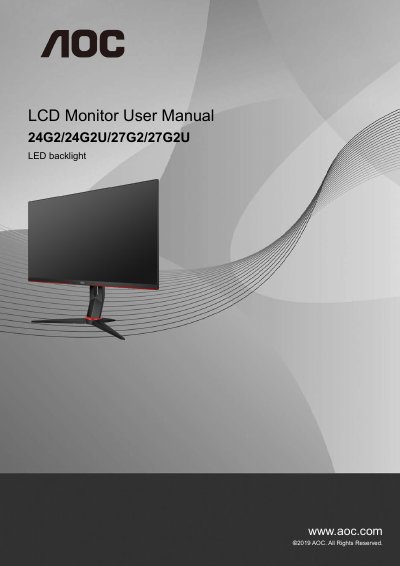
The AOC 24G2/24G2U/27G2/27G2U is an LCD monitor with LED backlight. This user manual provides safety warnings and cleaning guidance, explains setup base installation and monitor adjustment, and describes connecting the monitor.
The document also covers the FreeSync function, hotkeys and OSD settings, game settings, troubleshooting, general specifications, preset display modes, pin assignments, and VESA DDC2B Plug and Play support.
| Backlight | LED |
|---|---|
| Preset display mode | Full HD 1920x1080@144Hz; 158.1 kHz horizontal frequency; 144 Hz vertical frequency |
| Plug and Play | VESA DDC2B |
| VGA signal cable | 15-pin |
| 19-pin signal cable | 19-pin |
| 20-pin signal cable | 20-pin |
Disconnect the power plug immediately and contact a Service Center.
Yes. The manual states it is equipped with VESA DDC2B capabilities according to the VESA DDC standard.
The preset display modes table lists Full HD 1920x1080@144Hz with a 158.1 kHz horizontal frequency and 144 Hz vertical frequency.
Disconnect the power cord before cleaning the product.