
This manual provides instructions for the AOC AG322FCX1 LED-backlit LCD monitor, covering safety, installation, settings, and troubleshooting.
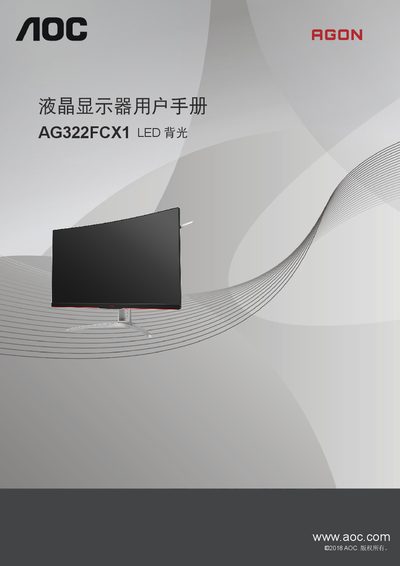
This user manual for the AOC AG322FCX1 LED-backlit LCD monitor covers essential topics including safety precautions, power usage, installation, cleaning, and setup. It details how to adjust the viewing angle, connect the monitor, and utilize specific features like Free-Sync.
The guide also explains how to configure the On-Screen Display (OSD) menu for image and color settings, troubleshoot common issues, and install optional software such as G-Menu, e-Saver, and Screen+. This manual is written in Chinese.
| Panel Type | TFT Color LCD |
|---|---|
| Screen Size | 80.1 cm diagonal |
| Pixel Pitch | 0.36375mm(H) x 0.36375mm(V) |
| Display Colors | 16.7M colors |
| Recommended Resolution | 1920x1080@60Hz |
| Max Resolution (HDMI/DP) | 1920x1080@144Hz |
| Power Consumption (Typical) | 35W |
| Power Consumption (Max) | ≤ 50W |
| Power Adapter Output | 20Vdc, 3.25A |
| Operating Temperature | 0°~ 40° |
The maximum resolution for both HDMI and DP interfaces is 1920x1080 at 144Hz.
The G-Menu software allows users to quickly adjust game and display parameters using a mouse.