
This user manual covers safety, installation, setup, adjustments, connectivity, and technical specifications for the AOC AG275QXN, AG275QZN, and AG275QZ LCD…
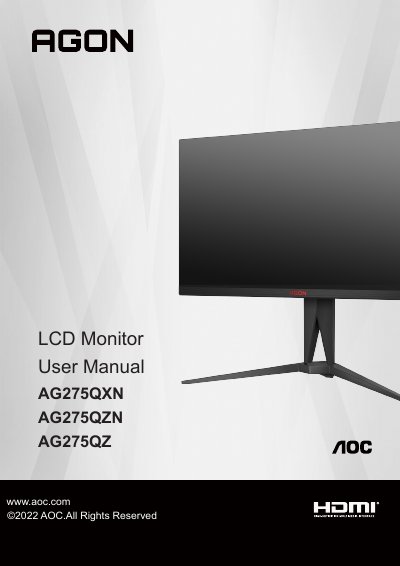
This document serves as the official user manual for the AOC AG275QXN, AG275QZN, and AG275QZ LCD monitors. It provides comprehensive instructions on safety precautions, installation procedures, and how to adjust the monitor stand and base. The guide also details how to connect the monitor using various cables and how to utilize specific features like Adaptive-Sync, AMD FreeSync, and G-SYNC Compatible.
| Resolution (QHD) | 2560x1440 |
|---|---|
| Refresh Rate (AG275QZ) | 270Hz |
| Refresh Rate (AG275QZN/AG275QZ) | 200Hz |
| Refresh Rate (AG275QXN) | 165Hz |
| Power Input | 100-240V AC |
The monitor should not tilt downward by more than -5 degrees to avoid potential damage.
The box contains a Quick Start Stand Base, Warranty card, DP Cable, HDMI Cable, USB Cable, Micphone Cable, Power Cable, and the Monitor.
Yes, the monitor is equipped with VESA DDC2B capabilities according to the VESA DDC STANDARD.