
The AOC CU34G10X LCD monitor user manual provides safety, installation, setup, and troubleshooting instructions.
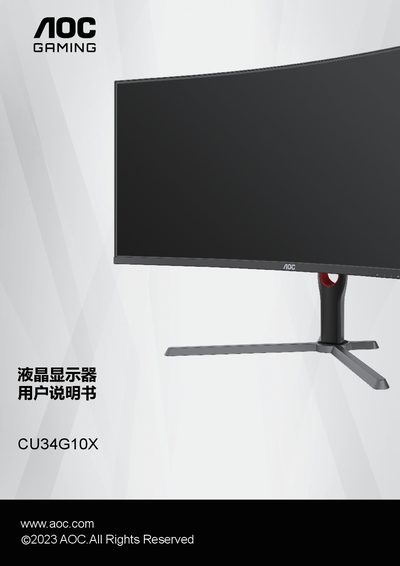
This manual covers safe operation of the AOC CU34G10X LCD monitor, including power requirements, grounding, and precautions for storm conditions. It also details the recommended installation accessories, stand and wall‑mount procedures, and ventilation clearances.
The guide explains how to adjust viewing angles, connect HDMI or DisplayPort inputs, and configure features such as Adaptive‑Sync, HDR, picture boost, PIP, and game settings. A full specifications table lists panel size, resolution, refresh rates, power consumption, and environmental limits. This manual is written in Chinese.
| Screen size (diagonal) | 86.36 cm |
|---|---|
| Recommended resolution | 3440×1440 @60 Hz |
| Maximum refresh rate (DP) | 165 Hz |
| Typical power consumption | 46 W |
| Maximum power consumption | ≤ 48 W |
| Input connectors | HDMI×2, DP×2, Headphone jack |
| Operating temperature (working) | 0 °C ~ 40 °C |
Use the supplied power adapter with the three‑prong grounded plug, connect only to UL‑certified computer outlets, and unplug the monitor during storms or when not in use.
Adjust the monitor within the range of –5° to 23° while supporting the arm to avoid touching the screen.
Leave the space shown in the diagram around all sides of the monitor to ensure adequate airflow.