
This manual provides instructions for the safety, installation, cleaning, settings, and troubleshooting of the AOC 22B2H LED backlit LCD monitor.
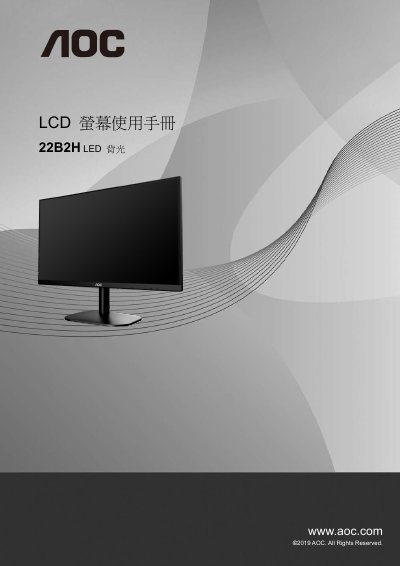
This user manual covers the safety precautions, installation procedures, and cleaning methods for the AOC 22B2H LED backlit LCD monitor. It includes detailed instructions on adjusting the viewing angle and connecting the monitor to various devices. This manual is written in Chinese.
| Panel Type | TFT Color LCD |
|---|---|
| Viewable Size | 21.5 inch |
| Pixel Pitch | 0.24825 mm x 0.24825 mm |
| Best Default Resolution | 1920x1080@60Hz |
| Power Input | 19Vdc, 1.31A |
| Typical Power Consumption | 18W |
| Operating Temperature | 0° to 40° C |
Do not exceed 20 degrees when adjusting the angle to prevent damage.
At least 10 cm (4 inches) of space is required on the sides and top/bottom.