
This user manual provides instructions for the AOC U27U2DP 4K monitor, covering installation, settings, adjustments, and troubleshooting.
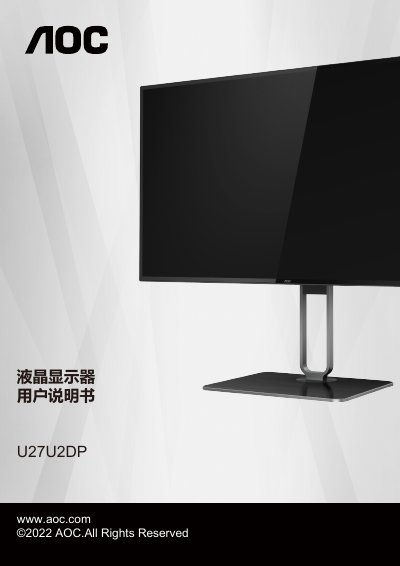
The document is a comprehensive user guide for the AOC U27U2DP LCD monitor. It covers essential topics including safety information, power requirements, physical installation of the stand and wall mounts, cleaning procedures, and ergonomic usage tips to reduce eye strain.
The manual details how to connect the monitor using various interfaces like HDMI, DisplayPort, and USB-C, explaining specific modes such as MST (Multi-Stream Transport) and HDR. It also provides step-by-step instructions for adjusting picture settings via the On-Screen Display (OSD), including brightness, color setup, and game modes. This manual is written in Chinese.
| Panel Type | TFT Color LCD |
|---|---|
| Diagonal Size | 68.5 cm |
| Maximum Resolution | 3840x2160@60Hz |
| Power Consumption (Typical) | 30W |
| USB-C Power Delivery | Up to 90W |
The maximum downward tilt angle is -6.5 degrees to avoid damage.
Yes, the monitor supports HDR with a peak brightness of 400cd/m².
The USB-C port can provide up to 90W of power under specific conditions.