
This user manual provides installation, setup, usage, and maintenance instructions for the AOC U27G3X LCD monitor, including safety, power, and troubleshooting.
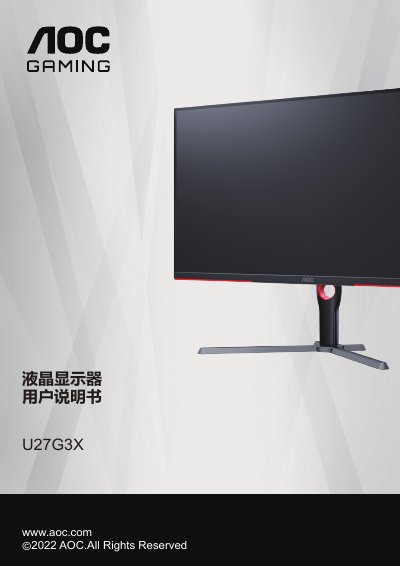
This document is the user manual for the AOC U27G3X LCD monitor. It covers essential topics such as safety precautions, power usage, installation of the stand and base, and adjusting the viewing angle. The guide also details how to connect the monitor and configure settings via the On-Screen Display (OSD). This manual is written in Chinese.
| Panel Type | TFT Color LCD |
|---|---|
| Viewable Image Size | 68.4 cm diagonal |
| Recommended Resolution | 3840x2160@60Hz |
| Maximum Resolution (HDMI) | 3840x2160@144Hz |
| Maximum Resolution (DP) | 3840x2160@160Hz |
| Power Input | 100-240V~ 50/60Hz 1.5A |
| Typical Power Consumption | 32W |
| Maximum Power Consumption | ≤73W |
| Operating Temperature | 0°C~ 40°C |
| Input Interfaces | HDMI/DP |
The recommended resolution is 3840x2160@60Hz.
The maximum refresh rate via the DP interface is 160Hz at 3840x2160 resolution.
Use a soft cloth and mild cleaner; do not use strong cleaners or let liquid enter the product.
The typical power consumption is 32W at factory default brightness and contrast.