
User manual for the AOC V27m 27‑inch LCD monitor covering safety, installation, connections, specifications and troubleshooting.
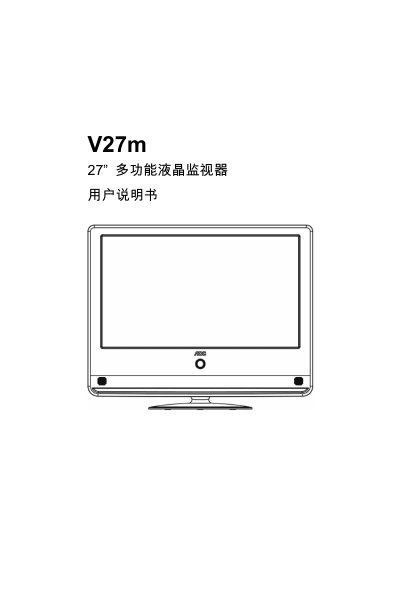
This manual provides important safety instructions, detailed steps for connecting and preparing the AOC V27m monitor, and guidance on installing or removing the base. It also describes the control panel, interface ports, menu operations, and includes a full list of specifications.
Additional sections cover troubleshooting common issues, a glossary of terms, and compliance information such as RoHS requirements for the Chinese market. This manual is written in Chinese.
| Screen size | 27" (686 mm) |
|---|---|
| Native resolution | 1920 × 1080 |
| Viewing angle (horizontal) | 170° |
| Viewing angle (vertical) | 160° (Typ.) |
| Brightness | 300 cd/m² |
| Contrast ratio | 60000:1 |
| Audio output power | 3 W × 2 |
| Power consumption (max) | ≤ 60 W |
| Standby power consumption | ≤ 1 W |
| Operating voltage | AC 100 ~ 240 V, 50/60 Hz |
| Dimensions (W × H × D) with stand | 680 mm × 546 mm × 262 mm |
Immediately unplug the power plug and contact an authorized dealer for service.
Check that the power cable is properly connected, wait 60 seconds after unplugging, then reconnect and turn the monitor on again.
Electronic interference from nearby devices such as hair dryers or neon lights can cause horizontal lines; turn off the interfering device.