
This document is about the user manual of F661 mobile phone.
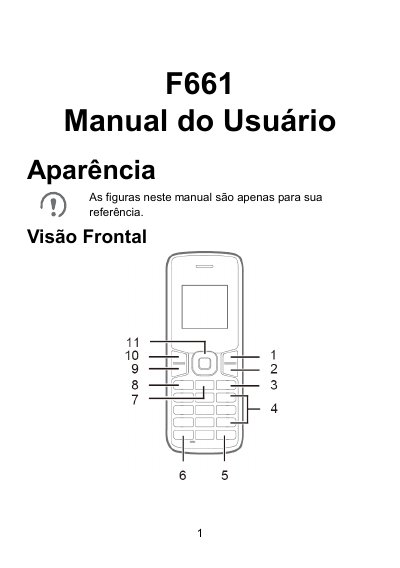
This is the Portuguese user manual for the Huawei F661 mobile phone. It describes the phone's appearance, front view, keys, and screen icons.
The manual explains how to install the SIM card and battery, charge the battery, turn the phone on and off, make and receive calls, send and read messages, manage contacts, enter text, adjust network and security settings, clean the device, and make emergency calls. This manual is written in Portuguese.
Make sure the phone is turned off and disconnected from the power adapter, and install the SIM card with the contact area facing down.
The default phone lock code is 000000.
Press and hold the End key until the screen lights up.
No. Do not use chemical detergents, talc, or other chemical agents such as alcohol and benzene to clean the phone and charger.