
This manual describes the features and specifications of the Argox CP-EX series barcode printers.
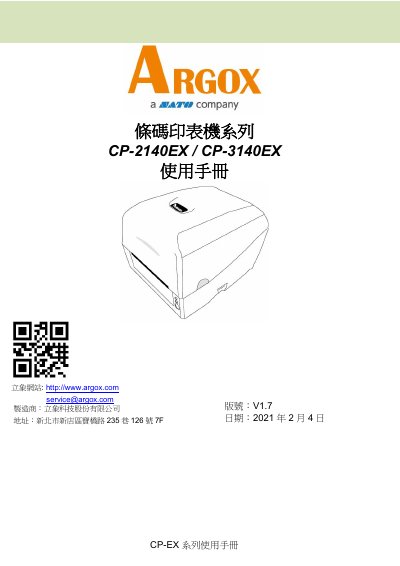
This manual covers the Argox CP-EX Series desktop barcode printer, specifically the CP-2140EX and CP-3140EX models. It is version 1.7, dated February 4, 2021, from Argox Information Co., Ltd.
It explains unpacking and package contents, printer views, power connection, paper and ribbon loading, calibration, reset to factory defaults, control buttons and LED diagnostics, driver and interface setup, printhead maintenance, product specifications, appendix information, and dimension drawings. This manual is written in Chinese.
| Device name | Desktop barcode printer |
|---|---|
| Model | CP-2140EX / CP-3140EX |
| USB interface | USB |
| Serial interface | RS-232 |
| Printer programming language | PPLA |
| Printer programming language | PPLZ |
| Dimensions | 278.4 mm, 188 mm, 225.9 mm |
The manual covers the CP-2140EX and CP-3140EX in the CP-EX Series.
The package includes a quick installation guide, DVD, power cord, paper roll shaft, printer, power supply, USB cable, ribbon transfer shaft, ribbon core, and an optional RS-232 cable.
The manual covers USB and RS-232 serial interfaces.
The manual includes PPLA and PPLZ printer programming language sections.