
This document describes the installation, use and maintenance methods of the Q27G3S display.
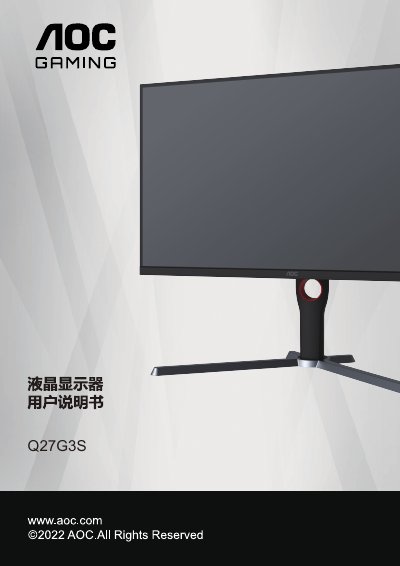
This Chinese-language user manual is for the AOC Q27G3S monitor. It begins with safety, power, installation, cleaning and setup information, then explains the package contents, stand and base installation, viewing-angle adjustment and monitor connection.
The guide also covers Adaptive-Sync, HDR, hotkeys and OSD menus including Luminance, Color Setup, Picture Boost, OSD Setup and Game Setting. It ends with the LED indicator, troubleshooting, main specifications, preset display modes, pin assignments and plug-and-play information. This manual is written in Chinese.
| Model Name | Q27G3S |
|---|---|
| Panel Type | TFT color LCD |
| Visible Image Size | 68.5 cm diagonal |
| Pixel Pitch | 0.2331 mm (H) x 0.2331 mm (V) |
| Recommended Resolution | 2560x1440@60Hz |
| Maximum Resolution | 2560x1440@144Hz (HDMI); 2560x1440@170Hz (DP) |
| Power Input | 19V 2.52A |
| Power Consumption | 42 W typical; <=47 W maximum; <=0.3 W energy saving |
| Connectors | HDMI/DP/headphone |
| Operating Temperature | 0°C to 40°C |
The recommended resolution is 2560x1440 at 60 Hz.
The listed DisplayPort mode is 2560x1440 at 170 Hz.
It has HDMI, DisplayPort and headphone connectors.
Disconnect the power plug immediately and contact a service center.