
AOC 24G2/24G2U/27G2/27G2U Monitor User Manual
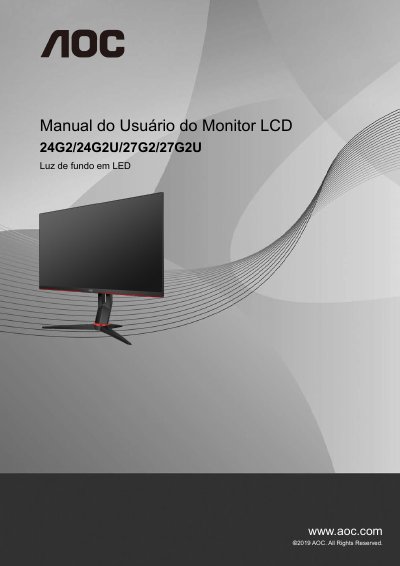
This is the Portuguese-language user manual for the AOC 24G2, 24G2U, 27G2 and 27G2U LCD monitors with LED backlight. It covers safety precautions, power requirements, installation and cleaning, stand setup, viewing-angle adjustment, connecting the monitor, and the FreeSync function.
The manual also describes the on-screen display (OSD) menus including luminance, image, color, Picture Boost, game settings and extra options, the bundled software (G-Menu, e-Saver, Screen+), troubleshooting, general specifications, preset display modes up to Full HD 1920x1080 at 144 Hz, connector pin assignments, and the VESA DDC2B Plug and Play feature. This manual is written in Portuguese.
| Power input | 100-240V ~, Min. 5A |
|---|---|
| Maximum preset resolution | 1920x1080 @ 144Hz |
| Plug and Play | VESA DDC2B |
| Signal inputs | HDMI, DP, analog, USB, audio |
The box may include power, HDMI, DP, analog, USB and audio cables, but not all signal cables are provided for all countries and regions; check with the local AOC agent or branch.
Clean the cabinet regularly with a cloth, using mild detergent for stains, and disconnect the power cable before cleaning.
Unplug it from the outlet immediately and contact a service center.
Yes, switch the unit off during a lightning storm or when it will not be used for long periods to protect it from power surges.