
Cisco RV110W Wireless-N VPN Firewall Administration Guide
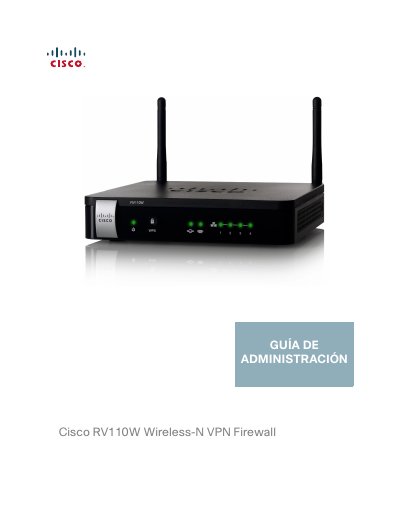
This is the administration guide for the Cisco RV110W Wireless-N VPN Firewall, written in Spanish. It explains how to install the router, use the browser-based device manager and the setup wizard, and configure all product features.
The guide covers WAN and LAN network settings, IPv6, wireless configuration and security, firewall rules and port forwarding, VPN tunnels and certificates, quality of service, router administration tools such as logging, SNMP and firmware upgrade, and status pages. An appendix describes installing and using the Cisco QuickVPN client software.
| WAN interface | 10/100 Fast Ethernet |
|---|---|
| LAN interfaces | Four 10/100 Fast Ethernet full-duplex ports |
| Wireless standard | 802.11n with MIMO |
| VPN tunnels | Up to 5 client-to-gateway VPN tunnels |
| Wireless security | WPA Personal, WPA Enterprise, WPA2 Personal, WPA2 Enterprise, WEP |
| Virtual networks | Up to four virtual networks (SSIDs) with 802.1Q VLAN support |
| QoS | WMM, WMM-PS, 802.1p, DSCP and ToS |
| Firewall | Stateful packet inspection (SPI) with DoS prevention |
The built-in web server works with Internet Explorer, Firefox and Safari.
It supports up to five client-to-gateway VPN tunnels for secure remote connectivity.
Yes, the wireless access point supports the Wireless Distribution System (WDS) to expand coverage without cables.
Several computers in the office can share one Internet connection through wired and wireless connections, and a Cisco switch can be connected to expand the network.