
The CGLine+ Web Controller Manual provides information on how to operate and maintain the CGLine+ Web Controller.
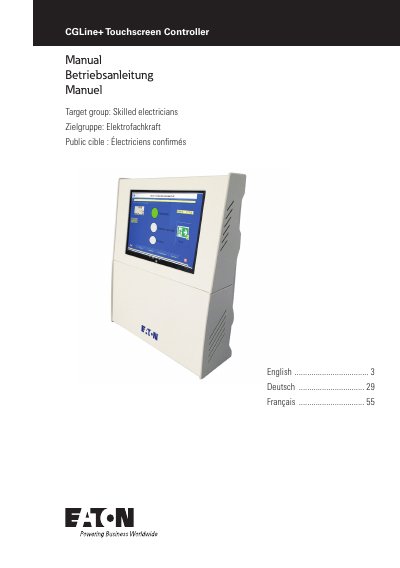
The CGLine+ Web Controller Manual describes operation of the CGLine+ Touchscreen Controller software from Eaton. It covers the start image, PIN authentication, basic software settings and functions in the base window, including starting a function test and viewing the logbook.
The manual explains the device window for the CGLine+ Web-Controller, including status displays for up to four strands with up to 100 CGLine luminaires each, zone status, relay outputs and digital inputs. It also includes a French quick installation guide section for configuring luminaires in a line.
| Maximum installed strands | 4 |
|---|---|
| Maximum luminaires per strand | 100 |
| Zones in 4-strand operation | 2, 4, 5 or 8 |
| Zones in 2-strand operation | 4, 8, 10 or 16 |
| Logbook retention | At least 4 years |
| Project name length | Max. 80 digits |
The default Administrator PIN is 9876, followed by OK.
The default User PIN is 0000, followed by OK.
Each strand can contain up to 100 CGLine luminaires.
Green indicates OK, and red indicates malfunction.