
This product is a multimedia receiver with Android Auto™ and CarPlay™ featuring a 6.95" digital TFT display.
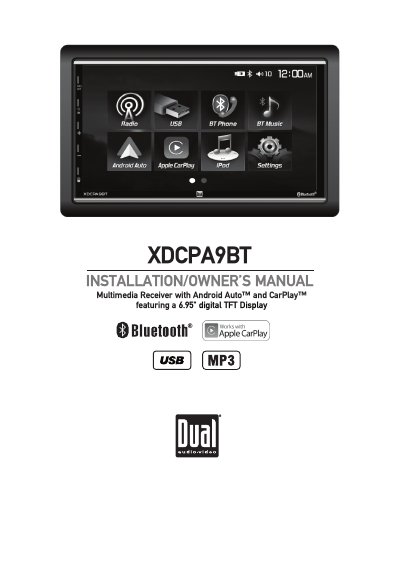
This is the Installation/Owner's Manual for the Dual XDCPA9BT multimedia receiver, a vehicle head unit with Android Auto and Apple CarPlay built around a 6.95" digital TFT display. It opens with warning statements, safety information and FCC compliance notes, then covers preparation and mounting, the wiring diagram for inputs and outputs, control and remote control locations, and general operation of power, volume, mute, mode and reset.
The manual continues through the AM/FM tuner, USB and media compatibility, Bluetooth, Apple CarPlay, Android Auto and iPod operation, auxiliary and rear camera inputs, SWC input operation, troubleshooting, specifications and warranty. Installation notes call for a 12VDC negative ground vehicle supply, a 10 amp ATC mini style fuse, and proper connection of the parking brake detect wire so the parking brake lock-out feature works.
| Display | 6.95" digital TFT display |
|---|---|
| Power requirement | 12VDC negative ground vehicle supply |
| Fuse | 1 x 10 amp ATC mini style fuse on the power connector |
| Remote control battery | One 3 volt Lithium CR2025 battery |
| Subwoofer output | Subwoofer preamp audio output (black jacket with green RCA), active in all audio modes |
| Auxiliary input | Rear 3.5mm auxiliary input for external audio/video devices |
| iPod connection | Rear USB input for MP3 playback |
Use the tip of a pen to press the RESET button on the bottom left corner of the face; the unit resets the main processor to the default settings.
The remote control uses one 3 volt Lithium CR2025 battery, inserted with the (+) side up.
No. Video cannot be viewed while the vehicle is moving; find a safe place to park and engage the parking brake.
Connect the iPod to the rear USB input to play MP3 files.