
This manual introduces the use of DUAL MODE DIGITAL CAMERA cameras, covering the composition, power on, taking pictures, downloading photos, video playback and other contents
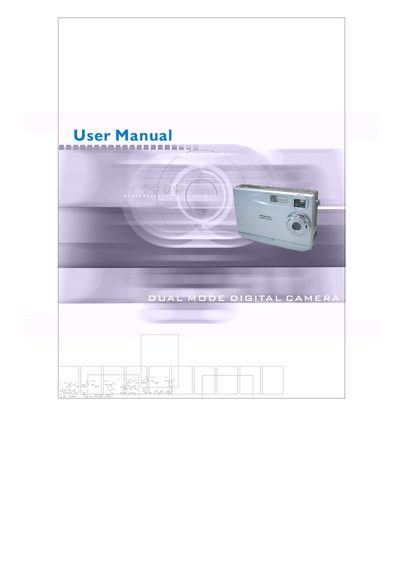
This manual provides step‑by‑step instructions for getting started with the digital camera, including the contents of the package, system requirements, battery installation, power on/off procedures, and sleep mode operation. It also details how to install the Arcsoft software suite and camera drivers on a Windows PC.
Additional sections cover taking pictures, managing and sharing photos, video playback, and detailed technical specifications such as sensor resolution, lens aperture, storage capacity, and display size.
| Image sensor resolution | 1600x1200 pixels |
|---|---|
| Lens aperture | F2.8 |
| View angle | 54° |
| Flash memory | 8 MB + Secure Digital card (card not included) |
| Display size | 1.5‑inch color TFT LCD |
| Dimensions | 88 mm × 60 mm × 20 mm |
| Video mode (VGA) | 640×480 px at 9 fps |
| Video mode (QVGA) | 320×240 px at 25‑30 fps |
Open the battery chamber cover, insert the batteries with correct polarity, close the cover, and press the power button to turn the camera on.
Press the power button to turn the camera on; press and hold the power button until the camera beeps and the LCD screen goes blank to turn it off.