
Installation and operation guide for DUAL's DV622 multimedia receiver with Bluetooth and 6.2" touch screen.
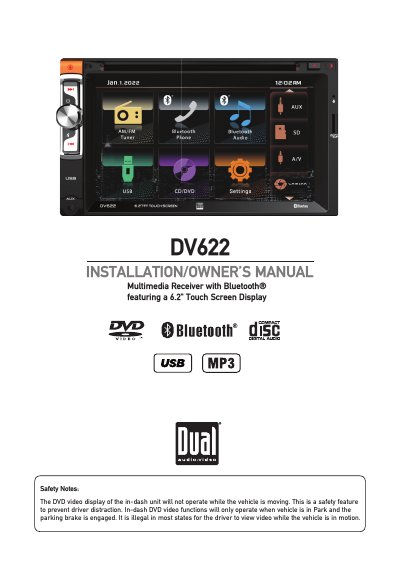
This manual provides step-by-step instructions for installing the DUAL DV622 multimedia receiver in a vehicle. It includes safety warnings, wiring diagrams, and operational controls. The unit features a 6.2" touch screen and supports Bluetooth, USB, and microSD. Safety features prevent video use while driving. The manual also covers setup options like language, time, audio, and video settings.
The receiver must be installed with proper grounding and parking brake integration. It is designed for 12VDC negative ground vehicles. Users must follow safety precautions, including not viewing video while driving and keeping volume low enough to hear traffic sounds.
The product is designed for use only in vehicles with a 12VDC negative ground system.
The unit uses one 10 amp ATC mini style fuse located on the power connector.
You must use cables with an area of 0.75mm (AWG 18) or more to prevent voltage drops.