
This manual provides installation, operation, and safety instructions for the DUAL XDVD179BT multimedia receiver with Bluetooth and a 7-inch touch screen.
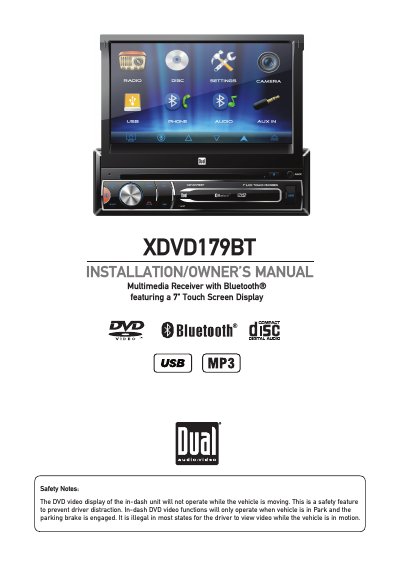
The DUAL XDVD179BT is an in-dash multimedia receiver featuring a 7-inch touch screen display and Bluetooth functionality. The manual outlines critical safety features, such as the parking brake lock-out system that prevents video playback while the vehicle is in motion, and provides guidelines for proper installation to ensure driver safety and compliance with regulations. It details the preparation steps, including disconnecting the battery and securing the unit in a mounting sleeve.
| Display Size | 7 inch |
|---|---|
| Power Requirement | 12VDC negative ground |
| Fuse Rating | 10 amp ATM mini style |
No, the DVD video display will not operate while the vehicle is moving as a safety feature to prevent driver distraction.
The unit includes a parking brake lock-out feature that prohibits the unit from operating if the vehicle is not in Park and/or the parking brake is not fully engaged.
You must use automotive-grade cables with an area of 0.75mm (AWG 18) or more to prevent voltage drops.