
The HD830i barcode printer user manual introduces the features and functions of the HD830i barcode printer.
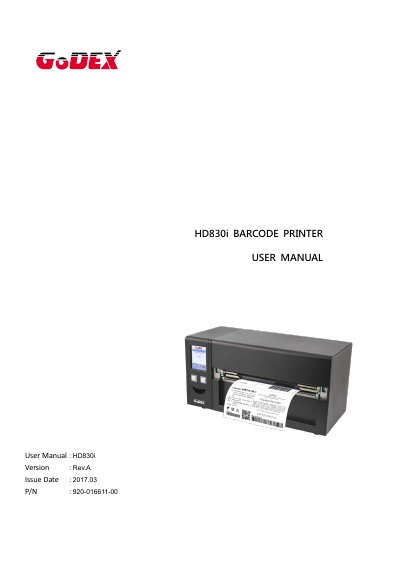
This user manual covers the HD830i barcode printer, including package contents, printer introduction, installation, operation, options, maintenance, and troubleshooting.
It describes media, ribbon, and label installation, PC connection and software setup, cutter installation, print head care and adjustments, and appendix topics such as printer specifications, communication ports, Wi-Fi, Bluetooth, and USB stick file manipulation.
| Network interface | Ethernet |
|---|---|
| USB host | USB HOST |
The package includes the barcode printer, media sample, USB cable, quick start guide, ribbon, power cord, CD, adaptor, ribbon shaft, label roll holder, media holder base, media shaft, and label roll stopper.
For safety and warranty reasons, only qualified service personnel should open the equipment.
Try reorienting or relocating the receiving antenna, increasing separation, connecting to a different circuit, or consulting a dealer or technician.
Replace it only with the equivalent type recommended by the manufacturer and dispose of used batteries according to the manufacturer's instructions.