
Official user manual for the HP Officejet 7110 Wide Format printer covering setup, printing, maintenance and troubleshooting.
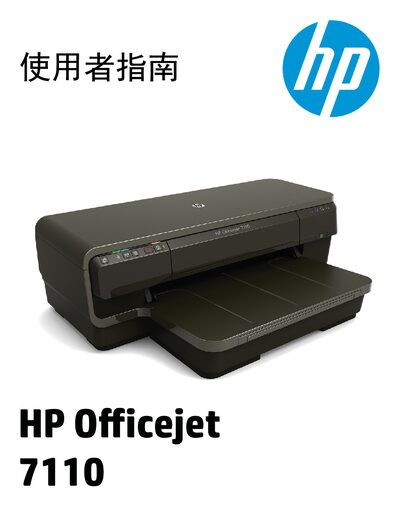
This manual provides step‑by‑step instructions for preparing, installing and operating the HP Officejet 7110 Wide Format inkjet printer. It includes safety guidelines, paper handling, printing options, network configuration and ePrint setup.
Additional sections cover routine maintenance, ink‑cartridge replacement, cleaning procedures and detailed troubleshooting for common issues such as paper jams, print quality problems and wireless connectivity. This manual is written in Chinese.
Refer to the maintenance section on page 18 for troubleshooting steps, and contact qualified service personnel if the issue persists.
Follow the wireless setup steps: ensure the computer is on the network, verify the printer is connected, and configure the wireless settings as described in the wireless troubleshooting section.