
The Fuji Xerox DocuWide 3035 is an A0‑capable digital multifunction device with copying, scanning and printing features for office use.
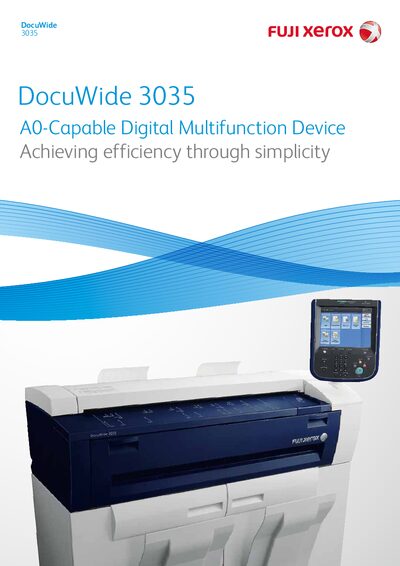
The DocuWide 3035 combines copier, scanner and printer functions in a compact design that supports A0‑size output. It offers high‑speed copying (2‑3 sheets per minute) and scanning at up to 203 mm/s, with optional colour scanning and a 10.4‑inch colour touch screen for easy operation.
Security features include Security Print, Private Print and optional IC‑card authentication. The device supports Ethernet, IPv6, and network protocols such as SMB for direct scanning to PCs. It meets energy‑saving standards and includes a two‑roll paper system for continuous output of up to 99 sheets.
| Resolution | 600 × 600 dpi (input and output) |
|---|---|
| Paper Supply System | 2 rolls + manual feed |
| Maximum Continuous Copy Pages | 99 sheets |
| Power Consumption (max) | 1.5 kW |
| Dimensions (W × D × H) | 1410 mm × 710 mm × 1420 mm (with control panel) |
| Weight | 260 kg |
The device can produce up to 99 continuous copies before a paper reload is required.