
Official user manual for the Toshiba B-FV4T series barcode printer covering setup, operation, maintenance and safety.
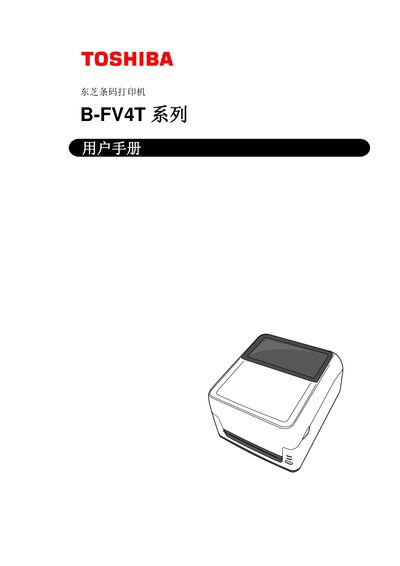
This manual provides a complete guide to the Toshiba B-FV4T series barcode printer, including product overview, installation steps, media loading, and printing functions. It also details safety precautions, required power adapter, and recommended maintenance procedures.
The document contains technical specifications, optional accessories, interface wiring information, and a troubleshooting section to help users resolve common issues. All content is intended for users in mainland China and is printed in Chinese. This manual is written in Chinese.
| Power Consumption (Operating) | 0.90 A, 49.0 W (100‑120 V) / 0.47 A, 48.1 W (200‑240 V) |
|---|---|
| Power Consumption (Standby) | 0.07 A, 3.4 W (100‑120 V) / 0.05 A, 3.5 W (200‑240 V) |
| Operating Temperature Range | 5 °C to 40 °C (41 °F‑104 °F) |
| Print Speed | 50.8 mm/s (2 in/s) to 152.4 mm/s (6 in/s) depending on mode |
| Maximum Media Width | 25.4 mm (1 in) to 118 mm (4.6 in) |
| Dimensions (W × D × H) | 220.6 mm × 278.5 mm × 182.0 mm |
| Weight | 2.4 kg (5.29 lb) without media or ribbon |
The printer must be powered with the dedicated EA10953 AC adapter.
No, it is approved for safe use only below 2000 m altitude.
Do not connect a power source that does not match the specified AC voltage; using the wrong voltage can cause fire or electric shock.
Turn off the printer, unplug the power cord, and contact an authorized Toshiba service agent.