
This quick start guide introduces how to use the AVerMedia LIVE STREAMER MIC 350 AM350 microphone.
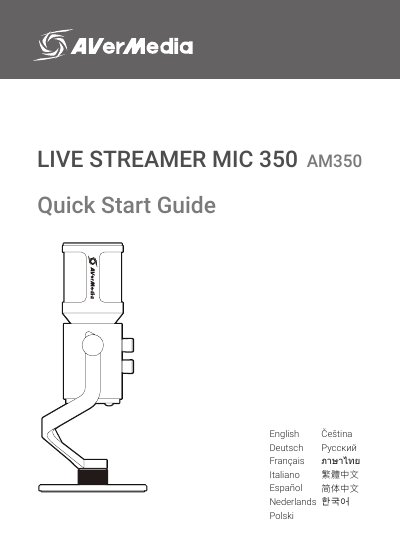
This Quick Start Guide covers the AVerMedia Live Streamer MIC 350 (AM350), a USB condenser microphone for recording and streaming. It lists the items inside the box, identifies the controls and connectors on the microphone, and explains how to connect it to a computer or smart device.
The guide describes placement for best audio quality, the cardioid and omnidirectional polar patterns, headphone monitoring, and keeping the device up to date with AVerMedia Assist Central. It also includes a specifications table, important safety instructions, and multilingual translations.
| Microphone Type | Condenser microphone |
|---|---|
| Polar Pattern | Cardioid, omnidirectional |
| Connection | USB Type-C (UAC 2.0) |
| Sensitivity | -41 dB FS/Pa at 1 kHz |
| Frequency Response | 20 Hz – 20 kHz |
| Sample Rate | Up to 96 kHz |
| Resolution | Up to 24-bit |
| Max. SPL | 120 dB |
| Power Consumption | 5V 120mA (USB) |
| Dimensions (Ø x L) | 56 x 150 mm / 2.2 x 5.9 in |
The microphone offers cardioid pickup for frontal sound and omnidirectional pickup for 360° sound.
Place it upright on a desk or boom arm with the grille and knobs facing you, 10–25 cm (4–10 in) from your mouth.
Download AVerMedia Assist Central, which automatically detects the device and lists available drivers, firmware, and applications.
The microphone connects via USB Type-C (UAC 2.0).