
This user manual covers the setup, installation, and usage of the AVerMedia Live Gamer BOLT GC555 capture card, including safety instructions and LED status…
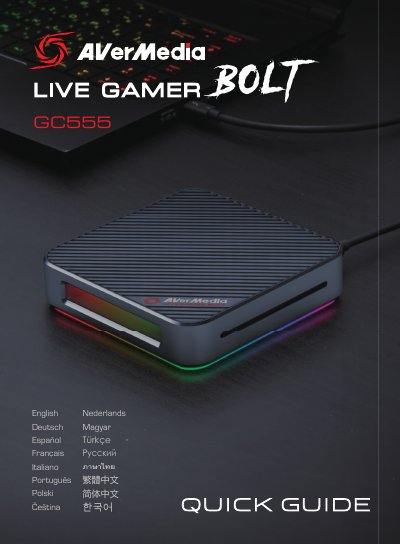
The AVerMedia Live Gamer BOLT GC555 is a capture card designed for streaming and recording high-definition video. The manual provides instructions on preparing the device, including checking the contents of the box and identifying the various ports such as Thunderbolt 3, HDMI, and LINE input. It details the required software, RECentral, and PowerDirector 15.
| Interface | Thunderbolt 3 |
|---|---|
| Supported Resolution | 2160p, 1440p, 1080p, 1080i, 720p, 576p, 480p |
| Max. Recording Resolution | 2160p60 HDR/1440p144/1080p240 |
| Max. Pass-Through Resolution | 2160p60 HDR/1440p144/1080p240 |
| Record Format | MPEG 4 |
| Dimensions | 120 * 120 * 29.3 mm (4.72 * 4.72 * 1.15 in) |
| Weight | 348 g (12.27 oz) |
The default streaming/recording software is RECentral.
A solid red LED indicates the disk is full or that streaming/recording has stopped.
No, the device will not function when connected via a USB-C cable or plugged into a USB-C port.