
The AVerMedia PW313D Quick Guide provides box contents, installation steps, specifications, and safety instructions for the PW313D webcam.
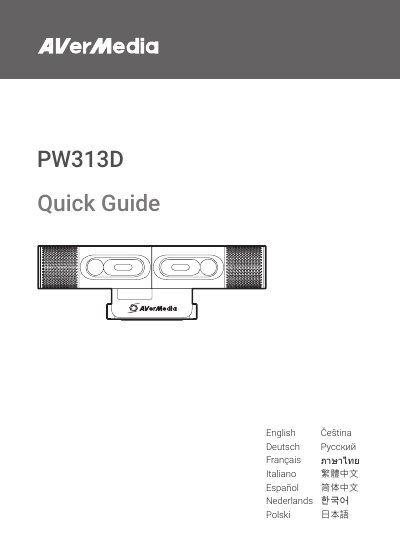
This Quick Guide introduces the AVerMedia PW313D webcam, showing what is included in the package, how to install the camera, and key technical specifications. It also lists important safety instructions to ensure proper and safe use.
The guide includes compliance statements for FCC, CE, and other regulatory bodies, and notes that no driver installation is required. Users can find quick reference information such as connection type, sensor details, and recommended operating conditions.
| Left Camera Image Sensor & Pixels | 1/2.9", 2 MP |
|---|---|
| Maximum Resolution | 1920x1080 (Left), 2592x1944 (Right) |
| Maximum Frame Rate | 30 fps |
| F/# | 2.0 mm (Left), 2.2 mm (Right) |
| Focus Method | Autofocus |
| Microphone Type | Mono omnidirectional |
| Connection Type | USB 2.0 Type‑C (Type‑A via cable) |
| Cable Length | 2 m |
| Weight | 152.2 g (without cable) |
The box contains the PW313D camera, a USB‑C to Type‑A cable, a quick guide, and the various parts and ports such as the left and right cameras, microphones, privacy shutters, lenses, power indicator, and tripod attachment.
No, the device does not require any driver installation.
Read and keep the safety instructions, avoid using the camera on unstable surfaces or near water, unplug before cleaning, use in a well‑ventilated area, and follow all listed warnings.