
The AVerMedia AM310 USB Microphone Quick Guide provides setup, usage, safety instructions, and regulatory compliance information.
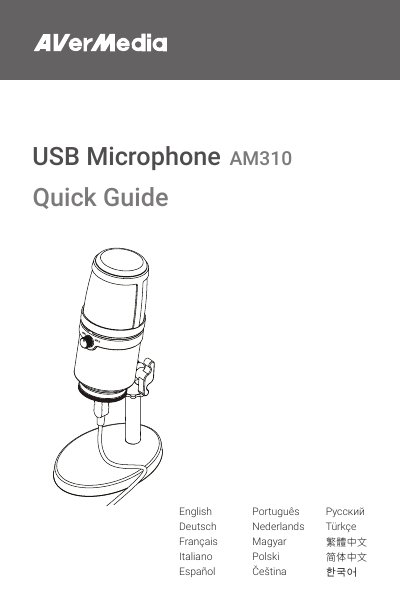
This Quick Guide explains how to set up and use the AVerMedia AM310 USB Microphone, including assembly steps, headphone mode switching, and LED indicator functions. It also contains important safety instructions such as proper handling, temperature limits, and power source requirements.
The guide includes regulatory compliance details for European, FCC, and Canadian standards, and provides contact information for support and a link to download the full online manual.
| USB Interface | USB 2.0 Port |
|---|---|
| Operating Temperature | 32–104°F (0–40°C) |
| LED Indicator Colors | Blue (Powered On), Red (Muted) |
Use power sources within the specified voltage range as indicated in the safety instructions.
Place the washer (or rondelle) and rotate the base to secure the mount.