
This manual covers the EzRecorder 330, including safety instructions, parts, ports, remote control functions, LED indications, and technical specifications.
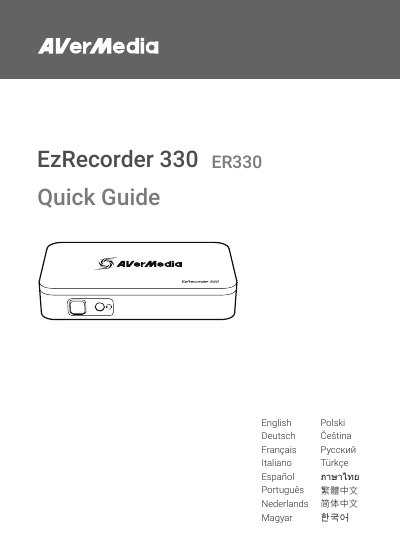
The EzRecorder 330 is a standalone recording device that supports HDMI and composite video inputs. It features a built-in operating system accessible via the remote control, allowing users to manage recorded files and customize preferences through an on-screen display (OSD) menu. The device includes various ports for connectivity, such as USB, Ethernet, and MicroSD slots for storage.
| Max. Pass-Through Resolution | 3840 x 2160 @ 60 fps |
|---|---|
| Max. Recording Resolution | 1920 x 1080 @ 60 fps |
| Record Format | MPEG 4 (H.264 + AAC) or (H.265 + AAC) |
| Network Connection | Ethernet (10Base-T / 100Base-T) |
| Dimensions | 135 x 71.2 x 28 mm |
| Weight | 150 g |
Long pressing the button for 10 seconds forces a shutdown of the device.
A solid blue light indicates that the device is ready for use.
A flashing red light means the device is currently processing a recording.
The device supports MicroSD cards and external USB 2.0 HDDs or NAS devices.