
Key facts
- Manuals
- 36
- Models
- 1
- Categories
- 1
- Languages
- EN · ZH · PL · JA
- Last added
- 2026-10-03
AVerMedia models by category
Featured AVerMedia manuals
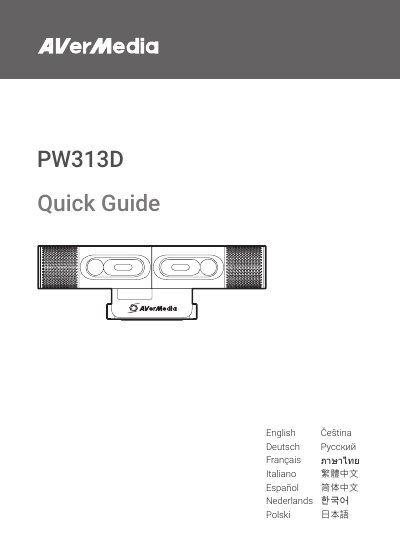
AVerMedia PW313D Camera Quick Guide
This Quick Guide introduces the AVerMedia PW313D webcam, showing what is included in the package, how to install the camera, and key technical specifications. It also lists important safety instructions to ensure proper and safe use.
The guide includes compliance statements for FCC, CE, and other regulatory bodies, and notes that no driver installation is required. Users can find quick reference information such as connection type, sensor details, and recommended operating conditions.
Covers: Important Safety Instructions · Parts and Ports · Installation · Specifications · Compliance Statements
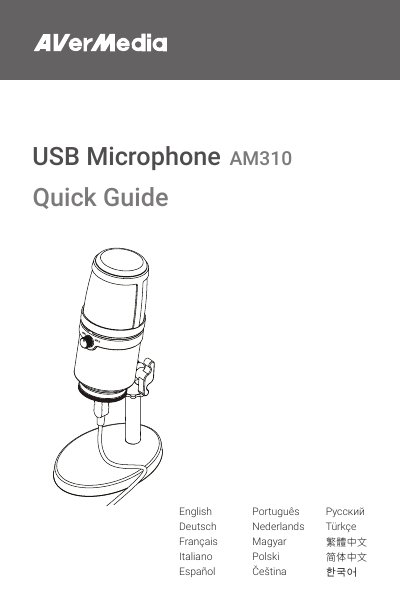
AVerMedia AM310 USB Microphone Quick Guide
This Quick Guide explains how to set up and use the AVerMedia AM310 USB Microphone, including assembly steps, headphone mode switching, and LED indicator functions. It also contains important safety instructions such as proper handling, temperature limits, and power source requirements.
The guide includes regulatory compliance details for European, FCC, and Canadian standards, and provides contact information for support and a link to download the full online manual.
Covers: Quick Guide · Safety Instructions · Assembly · Operation · Regulatory Compliance · Specifications
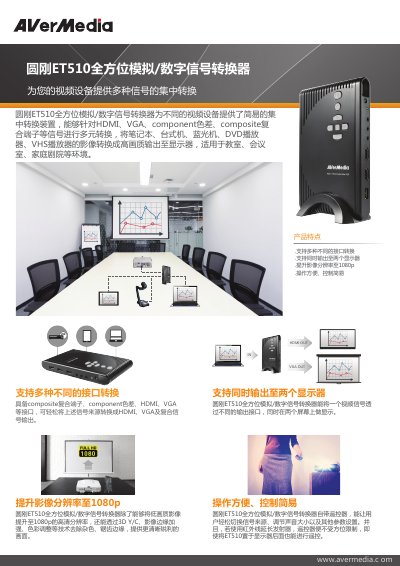
AVerMedia ET510 All‑in‑One Analog/Digital Signal Converter Product Leaflet
The ET510 is a versatile signal converter that accepts a range of video inputs—including HDMI, VGA, component and composite—and can output to two displays simultaneously, enhancing image resolution up to 1080p. It features a remote control with optional infrared extender for easy operation.
The device provides HDMI ×2, VGA, 3.5 mm audio/composite shared ports, component input via 3.5 mm adapter, and a USB 2.0 port for firmware updates. Power is supplied by a 12 V / 1.5 A adapter, and the unit weighs 226 g. The package includes the converter, stand, cables, remote, and power adapter. This manual is written in Chinese.
Covers: Product Features · Connection Diagram · Product Specifications · Package Contents
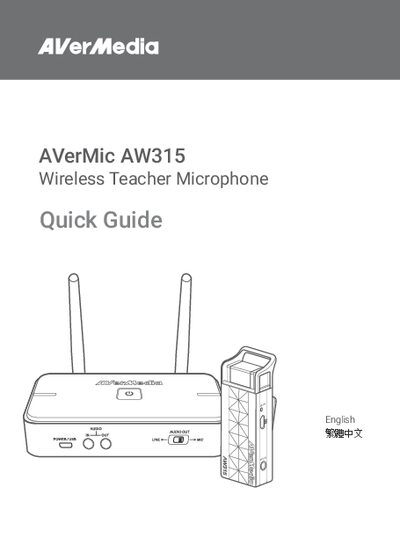
AVerMedia AW315 Wireless Teacher Microphone Quick Guide
The AVerMedia AW315 Wireless Teacher Microphone Quick Guide provides essential safety instructions, a list of items included in the package, and detailed descriptions of the microphone’s parts and ports. It also explains how to install the receiver, charge the microphone, and prepare the device for use in a classroom setting.
Additional sections cover firmware update procedures, compatibility with other AVerMedia models, and regulatory compliance information, ensuring users can maintain optimal performance and stay within legal requirements.
Covers: Safety Instructions · Inside the Box · Parts and Ports · Installation · Charging · Preparation
Latest AVerMedia manuals
AVerMedia PW313D Camera Quick Guide
Quick Start Guide 16 pages · 6.9 MB · ENThe AVerMedia PW313D Quick Guide provides box contents, installation steps, specifications, and safety instructions for the PW313D webcam.
AVerMedia AM310 USB Microphone Quick Guide
Quick Start Guide 24 pages · 13.2 MB · ENThe AVerMedia AM310 USB Microphone Quick Guide provides setup, usage, safety instructions, and regulatory compliance information.
AVerMedia ET510 All‑in‑One Analog/Digital Signal Converter Product Leaflet
Product Leaflet 2 pages · 1.7 MB · ZHThe AVerMedia ET510 converts HDMI, VGA, component and composite signals to multiple outputs, supporting dual‑display and 1080p upscaling.
AVerMedia AW315 Wireless Teacher Microphone Quick Guide
Quick Start Guide 20 pages · 4.9 MB · ENQuick guide for the AVerMedia AW315 wireless teacher microphone covering safety, setup, charging, and firmware updates.
AVerMedia AVerMedia EZMaker SDK Quick Installation Guide
AVerMedia EZMaker SDK is a video capture card that can be used to create VCDs, DVDs, and capture DV in real-time. The product has certain system requirements, including CPU, PCI slot, sound card, graphics card, CD/DVD burner, and available hard disk space. The quick installation guide is available in multiple languages.
AVerMedia AVer MediaCenter 3D Manual
This document is a disclaimer for the AVer MediaCenter 3D user manual, which explains that the screen shots and information in the documentation may vary depending on the product and software version. It also states that the information is subject to change without notice and cannot be reproduced or transmitted without permission.
AVerMedia AVerTV6.2 Manual
AVerTV 6.2 User Manual, introduces the functions and features of AVerTV 6, including how to use AVerTV 6, user interface, remote control usage, TV settings, etc.
AVerMedia AVerTV 6 User Manual
User Manual 99 pages · 5.9 MB · PLUser manual for the AVerMedia AVerTV 6 TV tuner, covering installation, remote control, TV/radio settings and TimeShift features.
AVerMedia AVerTV BoxW7 User Manual
User Manual 8 pages · 991 KB · ENThe AVerMedia AVerTV BoxW7 User Manual provides setup, connection, remote‑control and operation instructions for the TV tuner box.
AVerMedia AVerTV for Mac User Manual
User Manual 59 pages · 3.6 MB · ZHThe AVerMedia AVerTV for Mac user manual provides installation steps, system requirements, and operation instructions for the TV software on Mac.
AVerMedia AVer3D CaptureHD (H727) Watch/Record Live 3DTV Convert 2D Content to 3D Manual
User Manual 2 pages · 816 KB · JAThe AVerMedia AVer3D CaptureHD H727 user manual provides setup, operation, and system requirements for capturing and converting 2D video to 3D.
AVer Media MediaCenter User Manual
User Manual 61 pages · 5.4 MB · ZHThe AVer Media MediaCenter User Manual provides instructions for installing, configuring, and using the MediaCenter software.
AVerMedia AVerTV 6 User Manual
User Manual 62 pages · 4.2 MB · ZHThe AVerMedia AVerTV 6 user manual provides step‑by‑step instructions for setup, channel scanning, FM radio, TimeShift, recording and other features of the…
AVerMedia AVerTV6 Manual(10)
AVerMedia AVerTV 6 User Manual
User Manual 67 pages · 4.1 MB · ZHThe AVerMedia AVerTV 6 user manual provides step‑by‑step instructions for setup, channel scanning, recording, time‑shift, FM radio and video quality…
- 1
- 2
Which document do I need?
Quick Start Guide
The shortest path to a working setup, usually only a few pages.
User Manual
Day-to-day operation, settings and troubleshooting. Start here if the product is already set up.
Questions answered in AVerMedia manuals
What is included in the box?
The box contains the PW313D camera, a USB‑C to Type‑A cable, a quick guide, and the various parts and ports such as the left and right cameras, microphones, privacy shutters, lenses, power indicator, and tripod attachment.
Do I need to install drivers for the PW313D?
No, the device does not require any driver installation.
What voltage range should I use with the microphone?
Use power sources within the specified voltage range as indicated in the safety instructions.
How can I lock the mount in position?
Place the washer (or rondelle) and rotate the base to secure the mount.
What video inputs does the ET510 support?
It accepts HDMI (two ports), VGA, composite, component (via 3.5 mm adapter), and a 3.5 mm audio source, plus a USB 2.0 port for firmware updates.
From: AVerMedia ET510 All‑in‑One Analog/Digital Signal Converter Product Leaflet
Can the ET510 output to two displays at the same time?
Yes, the converter can send the video signal to two monitors simultaneously.
From: AVerMedia ET510 All‑in‑One Analog/Digital Signal Converter Product Leaflet