
Quick guide for the AVerMedia AW315 wireless teacher microphone covering safety, setup, charging, and firmware updates.
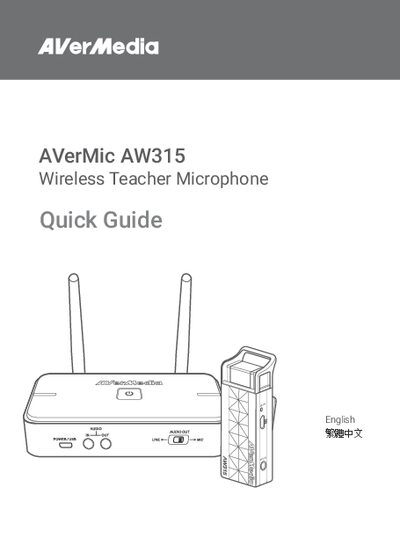
The AVerMedia AW315 Wireless Teacher Microphone Quick Guide provides essential safety instructions, a list of items included in the package, and detailed descriptions of the microphone’s parts and ports. It also explains how to install the receiver, charge the microphone, and prepare the device for use in a classroom setting.
Additional sections cover firmware update procedures, compatibility with other AVerMedia models, and regulatory compliance information, ensuring users can maintain optimal performance and stay within legal requirements.
| Operating Temperature | 32–104°F (0–40°C) |
|---|---|
| Power Input | USB |
Connect the receiver’s USB port to a computer and follow the instructions on the AVerMedia support website.
The device should be used in temperatures between 32 °F and 104 °F (0 °C to 40 °C).