
Quick guide for connecting and using the AVerMedia AS311 speakerphone with your computer, including ports, controls, and LED indicators.
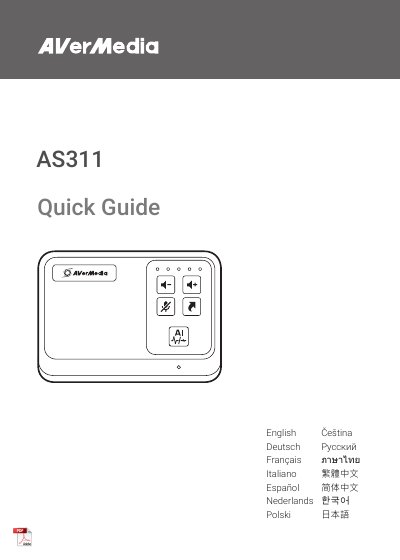
This manual explains how to connect the AS311 speakerphone to your computer using the included USB cable. It details the device’s ports, volume controls, mute button, AI noise reduction, and LED status indicators. The device automatically becomes the default audio device upon connection and requires no driver installation.
| Connection Type | USB Type-C, USB Type-A via cable |
|---|---|
| Power Supply | 5 V / 0.5 A |
| Speaker | 3 W (max.) |
| Speaker Frequency Response | 250 Hz – 14 kHz |
| Mic. Sensitivity | -29 dB V/Pa @ 1 kHz |
| Mic. Frequency Response | 150 Hz – 6.5 kHz |
| Mic. S/N | > 59 dB |
| Effective Range | 3 m (unobstructed) |
| Dimensions (W x D x H) | 12 x 8 x 4 cm (4.7 x 3.1 x 1.6 in) |
| Weight | 195 g (6.9 oz) |
Connect it using the included USB Type-C to Type-A cable. It will automatically become your default audio device.
No, it does not require any driver installation.
It indicates the device is ready and operating at the current volume level.
Press the "Mic. Mute Button" once to mute or unmute the microphone.