
This document is the user manual of the PR9 printer. It introduces the basic operation, installation and maintenance of the printer.
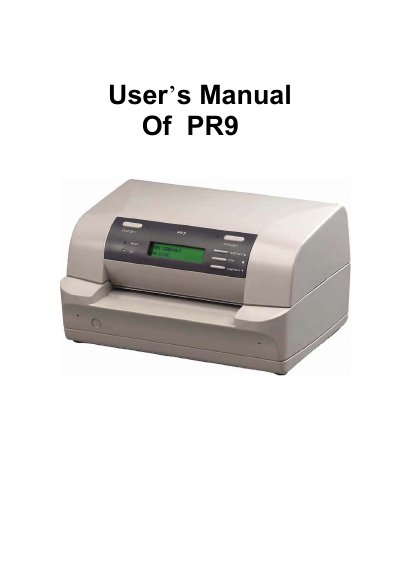
This user manual describes the PR9 printer. It covers getting started, unpacking, transport lock removal, ribbon installation, mains connection, power-on, and print tests, followed by operator panel, function keys, LCD use, print media loading, menu mode, and PR9 emulation.
The manual also explains printer configuration, maintenance and cleaning, the tractor unit option, technical data, serial/parallel/USB interface descriptions, firmware update, troubleshooting, and code pages. Safety notes cover electrical connection, installation location, and operating environment.
| Safety standard | DIN EN 60950-1 for computer systems |
|---|---|
| Operating temperature | 15 to 35 °C |
| Relative humidity | 15 to 85% |
The manual states that the printer fulfills the safety regulations according to DIN EN 60950-1 for computer systems.
The manual gives 15 to 35 °C for a normal air-conditioned office environment.
The manual states relative humidity of between 15 and 85%.
The printer must be installed on a flat, vibration free surface.