
This file is the user manual of Zebra ZXP Series 7 Card Printer
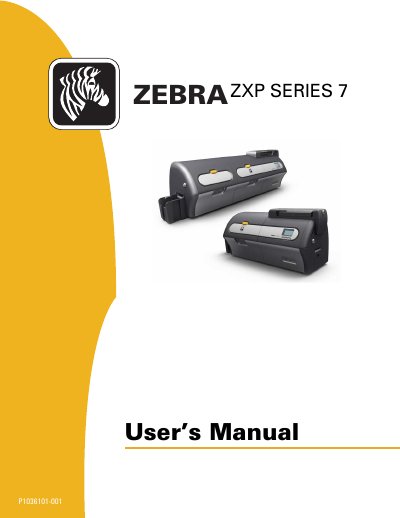
This manual provides detailed information on the installation and operation of Zebra ZXP Series 7 Card Printers manufactured by Zebra Technologies Corporation. The ZXP Series 7 line includes single- and dual-sided direct-to-card printers, with an optional single- or dual-sided laminator that lays down and seals a laminating film on printed cards for added security.
The manual walks through unpacking, loading cards, ribbon and laminate, connecting power and a computer, and installing the Windows printer driver, then covers operation via the operator control panel, printer settings, the ZXP Series Toolbox, cleaning, troubleshooting, and technical specifications. Appendices cover printer configurations, network connection, the magnetic card encoder, and smart card options.
| Print resolution | 300 dpi (11.8 dots/mm) |
|---|---|
| Image size | 1006 x 640 pixels |
| Connectivity | USB 2.0 and Ethernet 10/100 |
| Card feeder capacity | 250 cards (30 mil) |
| Output hopper | 100 cards (30 mil) |
| Reject hopper | 15 cards (30 mil) |
| Operator display | 21-character x 6-line LCD with configurable soft keys |
| Print method | Color dye sublimation or monochrome thermal transfer |
| Media | Edge-to-edge printing on standard CR-80 media |
| Magnetic stripe encoder | AAMVA and ISO 7811, tracks 1, 2, and 3 |
The printer is designed to work only with Zebra True Colours ribbons and Zebra True Secure laminates, which Zebra recommends for optimal printing quality and proper printer performance.
The shipping carton includes the Quick Start Guide, a CD-ROM with InstallWizard, the dual cleaning cartridge, manual feed cleaning cassette, USB cable, power cable, feeder cartridge, and output hopper.
The Microsoft Windows Certified drivers support Windows 7, Vista, and Server 2008 (32- and 64-bit), plus Windows XP and Server 2003 (32-bit).
Call +1 877 ASK ZEBRA (877 275 9327) or email [email protected] for technical support.