
AT-x230-10GP, AT-x230-18GP, AT-x230-18GT, AT-x230-28GP, AT-x230-28GT Gigabit Ethernet Switches Installation Guide
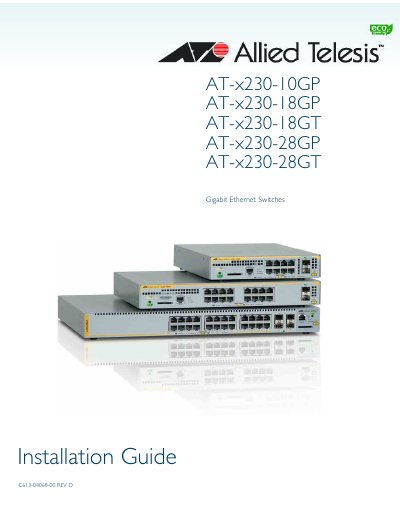
This installation guide is for the Allied Telesis AT-x230-10GP, AT-x230-18GP, AT-x230-18GT, AT-x230-28GP, and AT-x230-28GT Gigabit Ethernet switches. It covers features such as twisted pair ports, SFP slots, LEDs, installation options, power conservation, the MAC address table, Power over Ethernet, the ecofriendly button, power supply, and fans.
The guide gives safety precautions, site selection, cable specifications, unpacking, desktop, rack, and wall installation, cabling, power-on, starting a local management session, monitoring initialization, and optional SFP transceiver installation. Appendix A covers physical specifications, environmental specifications, power specifications, electrical safety and electromagnetic certifications, and connector and port pinouts.
| AT-x230-10GP dimensions (W x D x H) | 210 mm x 275 mm x 42.5 mm (8.27 in x 10.83 in x 1.67 in) |
|---|---|
| AT-x230-18GP dimensions (W x D x H) | 341 mm x 231 mm x 44 mm (13.42 in x 9.10 in x 1.73 in) |
| AT-x230-28GP dimensions (W x D x H) | 440 mm x 290 mm x 44 mm (17.32 in x 11.42 in x 1.73 in) |
| AT-x230-10GP weight | 2.1 kg (4.63 lb) |
| AT-x230-28GP weight | 4.7 kg (10.4 lb) |
| Twisted pair cable maximum operating distance | 100 m (328 ft) |
It covers the AT-x230-10GP, AT-x230-18GP, AT-x230-18GT, AT-x230-28GP, and AT-x230-28GT Gigabit Ethernet switches.
The maximum operating distance is 100 m (328 ft) at 10, 100, and 1000 Mbps.
Yes. The guide includes a procedure for installing an x230 Series switch on a wall using brackets.
The guide specifies TIA/EIA 568-A-compliant Category 5 or TIA/EIA 568-B-compliant Enhanced Category 5 (Cat 5e) shielded or unshielded cabling with 100 ohm impedance and 100 MHz.