
Installation guide for the Allied Telesis AT-PWR4 AC Power Supply, covering setup, hot swapping, testing, safety and specifications.
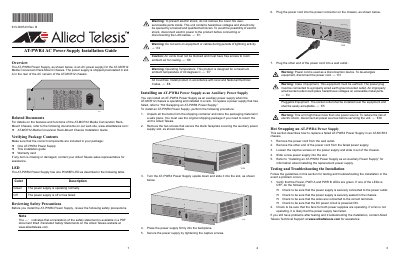
This guide provides step‑by‑step instructions for installing the AT‑PWR4 AC power supply in an AT‑MCR12 Media Conversion Rack‑Mount chassis, including package verification, mounting, securing, and connecting the power cord. It also explains how to replace a failed unit while the chassis remains powered (hot swapping) and how to verify LED status.
Safety precautions, troubleshooting tips, warranty registration, and detailed technical specifications are included to ensure proper operation and compliance with electrical standards.
| Dimensions (H x W x L) | 225 mm x 61 mm x 120 mm |
|---|---|
| Weight | 0.77 kg |
| Operating Temperature | 0 °C to 40 °C |
| Storage Temperature | -25 °C to 70 °C |
| Operating Relative Humidity | 5% to 90% RH (non‑condensing) |
| Power Rating | 100‑120 VAC, 50/60 Hz, 3.0 A; 220‑240 VAC, 50/60 Hz, 1.5 A |
| Electrical Safety Certifications | UL60950‑1, EN60950‑1, CSA 950 |
A green LED means the power supply is operating normally, while an off (no light) LED indicates the supply is off or has failed.