
This document is about the installation guide of RKMT-SL01 rack mount kit, which contains installation steps and precautions.
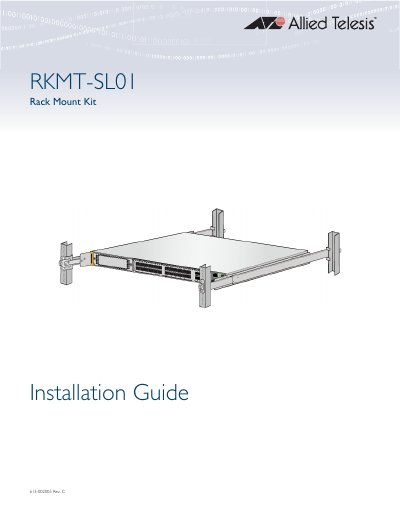
This guide provides detailed instructions for installing the RKMT-SL01 19-inch sliding rack mount kit. It covers unpacking components, installing outer and inner rails, attaching extension brackets, and securing switches in the rack. Safety warnings are included for handling equipment and preventing damage or injury during installation.
The guide includes diagrams and figures for each step, such as sliding rails into grooves, affixing warning labels, and tightening screws. It also specifies compatibility with various switch models like DC2552XS, x510DP-52GTX, and x950.
Affix the provided warning labels to the top and bottom of the switch, in locations immediately visible when removing the device from the rack.
The kit is a 19 Inch Sliding Rack Mount Kit designed for installing switches into an equipment rack.
You must disconnect the media and power cables before installing or removing the switch from the rack.
You must tighten eight screws on the outer rails to secure them to the equipment rack.