
This user guide introduces the features and usage methods of the Zebra GT-Series desktop thermal printer.
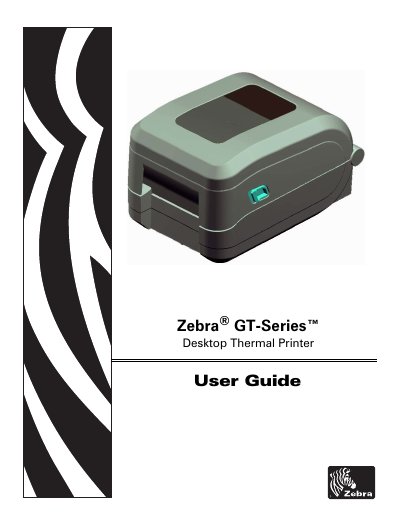
This User Guide is for the Zebra GT-Series desktop thermal printer. It covers unpacking and printer features, setup, media and ribbon loading, print operations, options, maintenance, troubleshooting, and appendices for interface wiring, dimensions, and ZPL configuration.
The document also includes contact information for technical support, repair service, training, and customer service, along with document conventions and compliance statements.
Any person who needs to operate or troubleshoot problems with the printer.
It describes what comes in the shipping box, printer features, and procedures for opening and closing the printer and reporting problems.
It describes first-time setup and common operating procedures for loading media.
Routine cleaning and maintenance procedures.