
This manual contains information on installing and operating the Zebra P110i card printer.
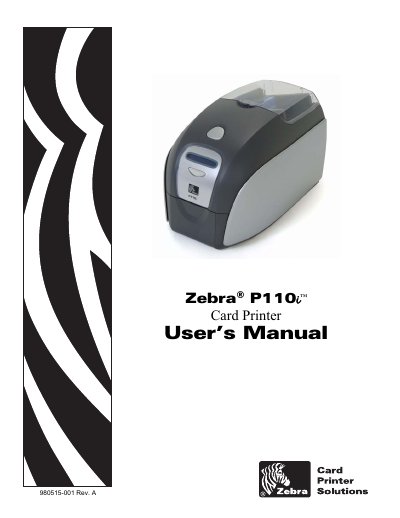
The Zebra P110i is a single-sided color card printer. This user's manual provides installation and operation information for printers manufactured by Zebra Technologies Corporation, including controls and indicators, driver installation, ribbon and card loading, printing, cleaning, troubleshooting, and technical specifications.
Appendices cover the magnetic card stripe encoder and the CardSense single card feed mode, plus worldwide sales and support locations. The document also includes conformity declarations and product disposal information.
| Printer type | Single-sided color card printer |
|---|---|
| Print resolution | 300 dpi (11.8 dots/mm) |
| Print speed | 30 seconds per card full color single sided (YMCKO) |
| Card types | PVC, PVC Composite, Adhesive backed |
| Card thickness | 30 mil (.76mm) (+/- 10%) |
| Card feeder capacity | 100 cards (30 mil) |
| Card output hopper capacity | 45 cards (30 mil) |
| Interface | USB 1.1 (cable included) |
| Image memory | 16MB standard |
| Operating temperature | 60°F to 86°F (15°C to 30°C) |
| Monochrome ribbon yield | 1000 cards/cartridge in black, blue, or white |
The printer has a print resolution of 300 dpi (11.8 dots/mm).
The card feeder holds up to 100 cards (30 mil).
It supports PVC, PVC Composite, and adhesive-backed cards.
It uses USB 1.1, and a cable is included.