
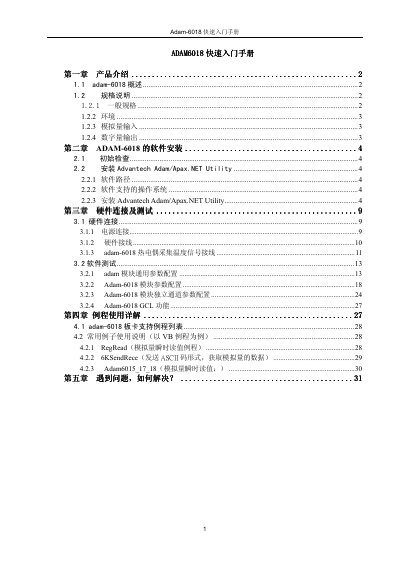
Adam-6018 Quick Start Guide introduces the overview, specification, software installation, hardware connection and testing, and example usage details of the Adam-6018 module, and provides solutions to common problems.
ADAM-6018 is an Ethernet-based remote data acquisition intelligent I/O module with 8 differential thermocouple inputs and 8 digital outputs. It supports thermocouple types J, K, T, E, R, S, and B and outputs measured temperature in engineering units.
This guide covers product specifications, Advantech Adam/Apax.NET Utility installation, hardware connection and testing, sample programs, and troubleshooting. This manual is written in Chinese.
| Power consumption | 2 W at 24 V |
|---|---|
| Certification | CE, FCC Class A |
| Dimensions | 70 x 112 x 25 mm |
| LAN | 10/100 Base-T |
| Isolation protection | 2000 VDC |
| Power input | Unregulated 10-30 VDC |
| Protocols | Modbus/TCP, TCP/IP, UDP, HTTP, ICMP, ARP |
| Analog input channels | 8 differential |
| Thermocouple types | J, K, T, E, R, S, B |
| Analog input resolution | 16-bit |
| Sampling rate | 10 samples/s |
| Digital output type | Open-collector sink, 30 V, 100 mA maximum load |
| Operating temperature | -10 to 70 C |
One ADAM-6018 module, one mounting panel, and one CD containing the manual and test software.
Win2000, WinXP, and Win7.
An unregulated 10-30 VDC supply is used, and 24 V is generally recommended.
It can connect directly through a crossover Ethernet cable or through a switch, with the module and host IP addresses in the same subnet.