
This is the Emerson air conditioner remote controller illustration user manual. It mainly introduces the remote controller button functions and usage methods.
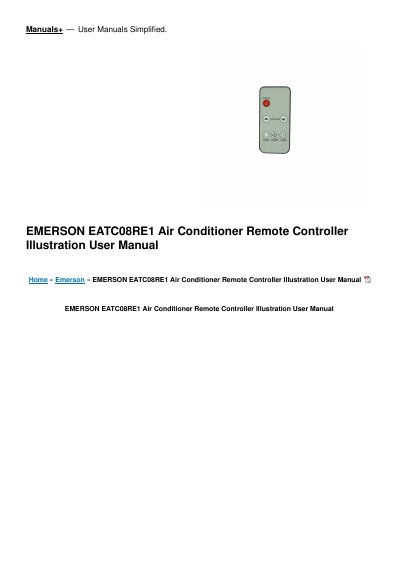
This user manual describes the Emerson EATC08RE1 air conditioner remote controller, covering models RG15A(B)/E, RG15A3(B)/E, RG15A4(B)/E and RG15A5(B)/E. It explains how to handle the remote controller, how to install the CR2025 battery with a coin-operated battery cover, and lists the remote controller specifications including rated voltage, signal range and operating environment.
The manual then presents the function buttons and step-by-step instructions for Auto, Cooling/Heating, Fan, Dehumidifying, Timer (including combined ON/OFF timer settings) and Energy Saver operation. It also includes battery safety warnings and FCC/ICES compliance notes.
| Model | RG15A(B)/E, RG15A3(B)/E, RG15A4(B)/E, RG15A5(B)/E |
|---|---|
| Rated Voltage | 3.0V (Lithium battery CR2025) |
| Lowest Voltage of CPU Emitting Signal | 2.4V |
| Signal Receiving Range | 5m |
| Environment | -5 C~60 C (23 F~140 F) |
Use the remote controller within a distance of 5 meters from the appliance, pointing it towards the receiver. Reception is confirmed by a beep.
It uses a 3.0V lithium battery (CR2025), installed with the positive (+) side up.
Press the TIMER button to initiate the Auto-start or Auto-stop setting program, then press or hold the Up or Down button to change the Auto time. The selected time registers in 5 seconds.
Stop using the product, remove the batteries and keep it away from children.