
Homeowner guide for the Emerson Blue Thermostat covering setup, programming, usage, and diagnostics.
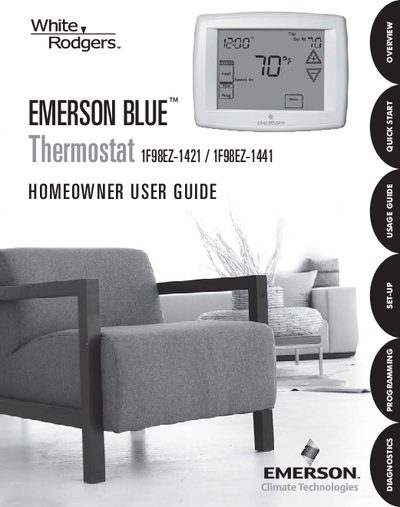
The Emerson Blue Thermostat User Guide walks homeowners through installing, configuring, and operating the touchscreen thermostat. It explains the system’s smart features, such as energy‑saving factory pre‑programs, diagnostic alerts, and service reminders.
Detailed sections cover touchscreen display icons, quick‑start steps, time and day settings, system mode selection, programming of heating and cooling schedules, fan control, temporary and permanent holds, battery replacement, and troubleshooting procedures.
| Battery type | AA alkaline batteries |
|---|---|
| Power supply | 24 V AC |
| Temperature units | °F, °C |
| Fan mode options | Auto, On |
| Indoor humidity display | RH XX% |
Press the two arrow keys and the SYSTEM key at the same time; the screen will blank briefly and then all segments will flash, resetting the thermostat to factory settings.