
Spanish user guide for the Emerson Field Communicator 475, covering general features, battery usage, system card installation, and basic operation instructions.
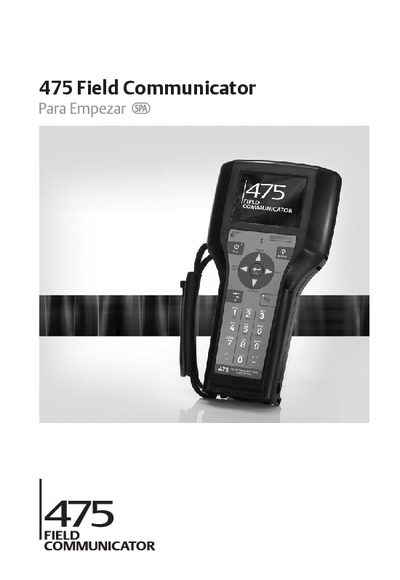
This document serves as a quick start guide for the Emerson Field Communicator 475 portable device. It provides basic guidelines, precautions, and configuration information necessary to begin using the communicator effectively in the field.
The guide details general features including the color LCD touch screen, lithium-ion battery, and communication terminals for HART and FOUNDATION fieldbus devices. It also covers essential procedures such as installing the system card and battery, charging instructions, and safety warnings regarding use in hazardous areas. This manual is written in Spanish.
| Processor | SH3 |
|---|---|
| Display Type | Color LCD touch screen |
| Battery Type | Lithium-ion |
| Charging Time | 2 to 3 hours |
Yes, the device accepts HART and FOUNDATION fieldbus devices.
Yes, the battery can be recharged separately or while it is connected to the Field Communicator 475.
No overcharge condition will occur.