
This quick start guide covers the setup, operation, battery usage, and common settings for the Emerson CSI 2140 Machinery Health Analyzer.
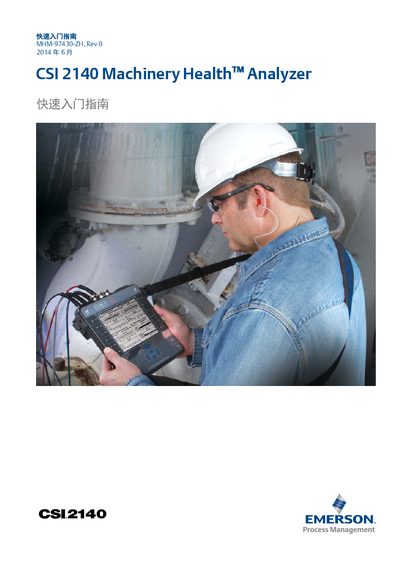
This document is the Quick Start Guide for the CSI 2140 Machinery Health Analyzer, published by Emerson Process Management. It provides essential information for initial setup and basic operation of the device, including hardware descriptions and interface locations.
The guide details how to use the rechargeable lithium-ion battery pack, charge the device, and utilize the included stand. It also explains the Home screen functions, including the ALT key options for file management, settings, and analysis programs, as well as instructions for using the optional four-channel adapter. This manual is written in Chinese.
Do not connect a signal exceeding 0 to 24 volts to the CSI 2140's Accel input.
Ensure the analyzer is in an environment temperature of 50° F to 95° F (10° C to 35° C) while charging.
It may take four hours to fully recharge the battery pack.