
The Homeowner’s Guide explains how to operate, program, and maintain the Emerson Blue Easy Reader Thermostat (model 1F95EZ‑0671).
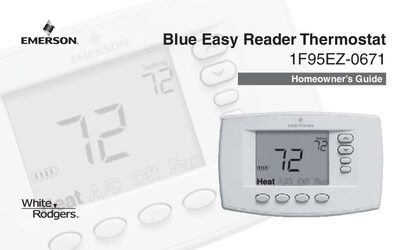
This manual introduces the Blue Easy Reader thermostat, describing its two‑part construction (base and control front) and power options. It covers both non‑programmable and programmable modes, battery replacement, and basic operation of heating, cooling, and fan functions.
Detailed sections walk you through setting the time and date, configuring weekly schedules, adjusting temperature limits, and using advanced features such as auxiliary heat, fast‑heat, and daylight‑savings adjustments. A configuration menu record provides default factory settings for quick reference.
| Battery type | AA alkaline |
|---|---|
| Temperature display units | Fahrenheit or Celsius |
| Heat temperature limit | 62° – 99° |
| Schedules per week | 0 (non‑programmable) or 7 (programmable) |
| Periods per schedule | 2 (Day/Night) or 4 (Morning/Day/Evening/Night) |
Press the Time button and step through hour, minute, year, month, and date to set the correct time and day.
In programmable mode, enable the Daylight Savings Time option; select Off if you do not want automatic changes.