
My Passport ® Wireless is a portable external hard drive that can be wirelessly accessed over Wi-Fi. It makes it easy to transfer data to and from your all your devices, whether it's a computer, smartphone or tablet.
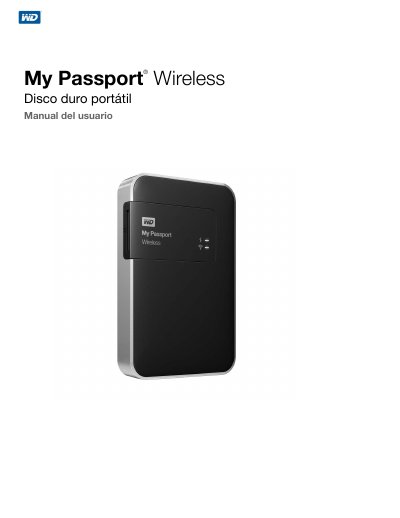
This Spanish-language user manual describes the WD My Passport Wireless portable hard drive. It explains the drive's features, handling precautions, package contents, physical description, LEDs and buttons, initial setup, and use of the control panel.
The manual also covers direct wireless and Wi-Fi/Internet connections, loading content, backing up a computer, using an SD card, streaming videos, photos and music, battery use and charging, administrative functions, resetting the drive and password, firmware updates, troubleshooting, and technical specifications. This manual is written in Spanish.
| Battery life (video streaming) | Up to 6 hours of continuous video streaming |
|---|---|
| Standby time | Up to 20 hours |
| USB interface | USB 3.0 |
| SD card slot | Integrated SD card slot |
Up to 6 hours of continuous video streaming.
You can register the product online at http://register.wd.com.
It includes a limited two-year warranty.