
The WD TV Live Streaming Media Player User Manual provides setup, network, media playback, and troubleshooting instructions.
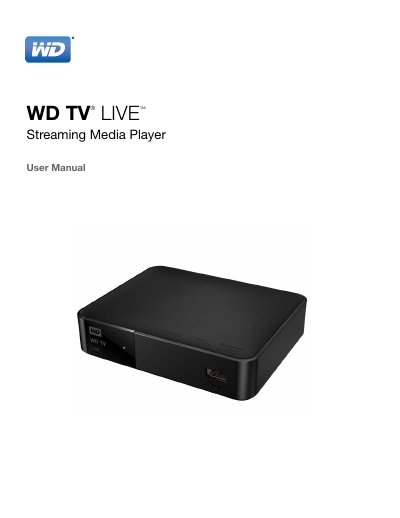
This manual walks you through installing and using the WD TV Live streaming media player, covering everything from unpacking and power connections to configuring wired or wireless networks. It explains how to access local and online media, use the remote control or a USB keyboard, and navigate the on‑screen interface.
Later sections detail advanced features such as live TV, internet services, games, and system maintenance, plus safety information, warranty details, and how to register the device for support. The index and troubleshooting guide help you quickly find solutions to common issues.
| HDMI output | HDMI port for HDTV |
|---|---|
| Audio output | Optical S/PDIF digital output |
| Operating temperature range | 5 °C – 35 °C |
| Power connector | AC power connector |
You can register online at http://register.wd.com or directly from the device using the remote control or a USB keyboard.
Use the System Firmware Upgrade option in the Setup menu to download and install the latest firmware.
Select Wireless Network Setup in the Network Setup section and follow the on‑screen prompts to join your Wi‑Fi network.
Do not use the device near water, keep ventilation openings clear, operate only within 5 °C–35 °C, and follow all warnings in the Important User Information section.